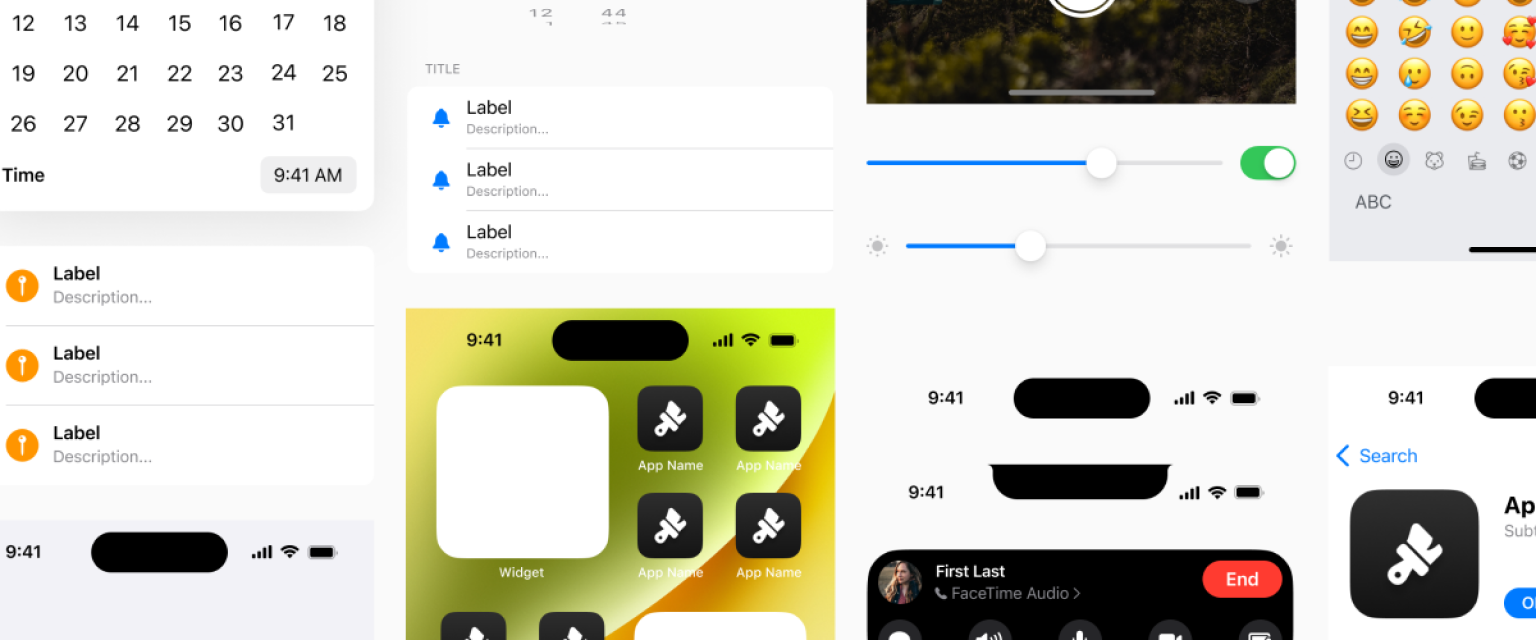
Design Systems

iOS Design system

Design Systems

A deep dive into design systems

Dear students, note that this page is updated after the school is over. If you are about to enroll, this page reflect the program from the previous cohort

Enroll in this course

Overview

This two-week practical course introduces participants to industry-standard practices for building and maintaining design systems using Figma, AI tools, and AI Agents. Through lectures, hands-on exercises, and collaborative group work, students will learn how to develop, audit, and communicate scalable component libraries that drive efficiency and consistency in digital product design.

Short Programm

Day 1 - Introduction

What is a Design System and why do we need it.

Day 2 - Basics of Figma

Design Tokens: color, type, spacing. Setting up styles in Figma

Day 3 - Building Design Systems I

Components 101: buttons, inputs, icons, Atomic Design methodology

Day 4 - Building Design Systems II

Layout Grids, Auto Layout, Constraints, responsive design principles

Day 5 - Advanced Components

Nested and interactive components, building a shared component library

Day 6 - Maintenance & Accessibility

Icon Systems and Imagery, Naming Conventions, Asset Management

Day 7 - DocumentationDescribing and annotating research objects, processes, and outcomes in a structured way to ensure transparency, reuse, and long-term access. and Support of Design Systems

Documentation Best Practices, Structuring Guidelines in Figma

Day 8 - Accessibility in Design Systems

Inclusive design & usability auditing

Day 9 - Group project

Scaling your system into real UIs

Day 10 - Final Presentations

Retrospective & Feedback

Enroll in this course